
Google Ads Opens Travel Search Campaigns to Things to Do & Events: What It Means for Ticket Sellers, Local Operators, and the Next Wave of AI-Managed Demand
Google is expanding its Travel Search campaign beta to “Things to Do” and “Events.” If you sell tickets, tours, or local experiences, this is a clear signal: Google wants your inventory structured, your conversion path measurable, and your marketing run increasingly by automation. Here’s how to test it safely, what to monitor, and how AYSA helps you execute the website + visibility changes that make these campaigns work.
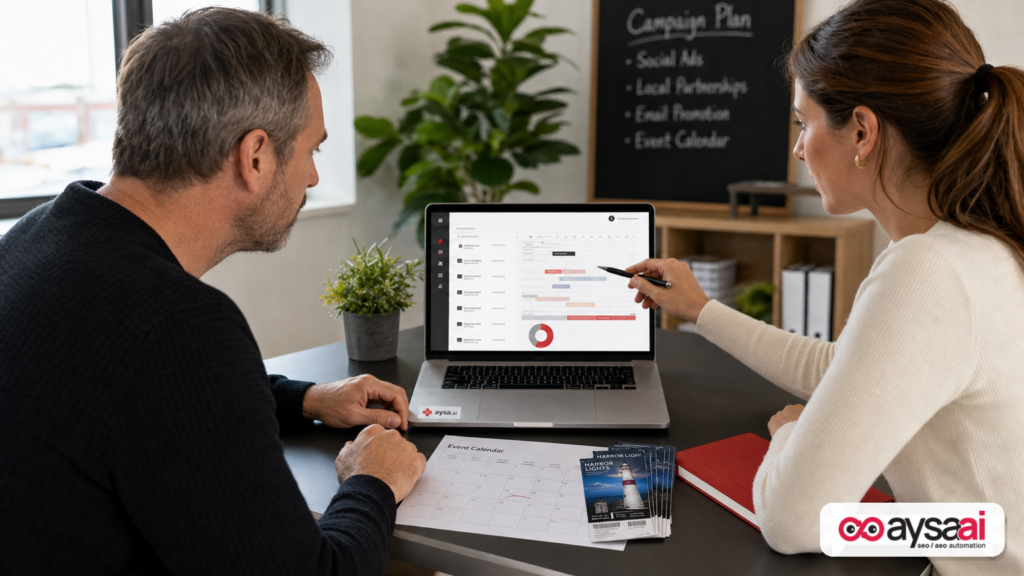
Google Ads just sent a clear signal to anyone selling experiences: the “Travel” playbook is expanding beyond hotels and flights.
According to Search Engine Journal, Google is expanding its Search campaigns for Travel beta to include two new verticals: Things to Do and Events. Translation: if you sell attractions, tours, or event tickets, Google may now offer you a specialized campaign type—still limited in availability, but directionally important.
This isn’t just a new checkbox inside Google Ads. It’s part of a larger shift: Google is increasingly building ad systems that assume your business has structured inventory, date/location context, and measurable conversion paths—and that the platform should decide (algorithmically) which searches, audiences, and surfaces to prioritize.
For SMEs and agencies, the opportunity is real, but so is the risk. If your tracking is incomplete, your landing pages are thin, or your availability and pricing are inconsistent, “more automation” often means “more spend in the wrong places.”
Concise summary
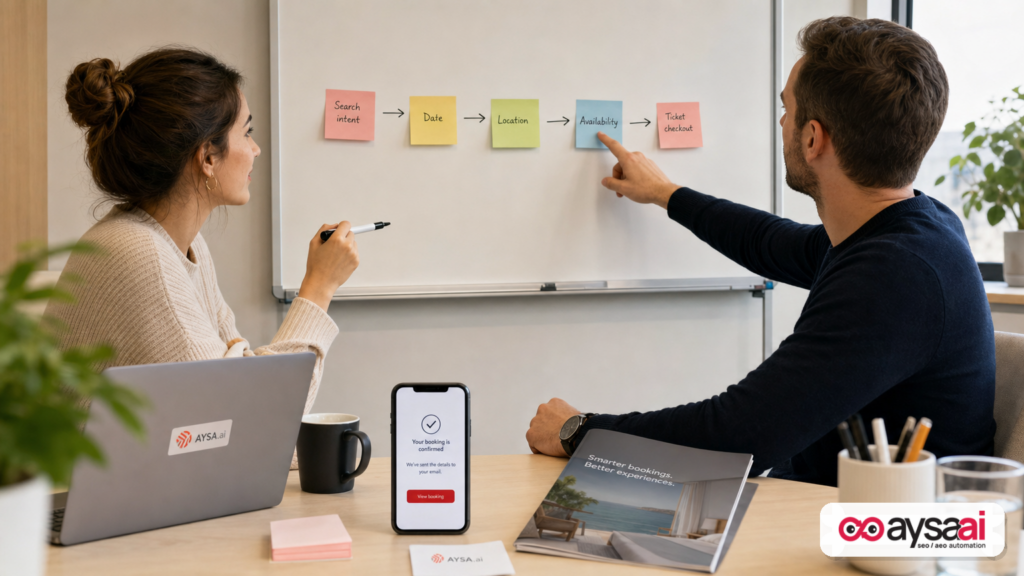
- What changed: Google expanded the Travel Search campaign beta to Things to Do and Events, for eligible advertisers selling attractions and tickets (beta; details still limited).
- Why it matters: These categories look like travel inventory: date-based, location-based, and availability-sensitive—perfect for automated optimization, if your data and website are clean.
- What to do: Treat this as a controlled test next to existing Search and Performance Max. Lock down measurement, build a clean ticket/tour landing page system, and monitor what automation is actually optimizing for.
- Where AYSA fits: Paid automation succeeds when your site and entities are accurate. AYSA helps you monitor visibility, prepare changes, request approval, and execute accepted website updates across SEO/AEO/GEO—without turning your website into a never-ending dev backlog.
Table of contents

- What’s changing with Travel Search campaigns (and what we still don’t know)
- The update in plain English (and what Google is really optimizing for)
- Why this matters: “Things to Do” is the most automation-friendly part of travel
- How this changes search behavior (and why SEO/AEO/GEO teams should care)
- Who wins, who struggles: the operator reality behind tours and tickets
- Your readiness checklist: website, feeds, and tracking foundations
- The measurement problem: you can’t scale what you can’t attribute
- A practical beta test plan (SME-friendly, agency-approved)
- Creative and offer strategy for experiences (what actually drives conversion)
- What can go wrong (and how to keep automation from eating your margin)
- Where AYSA fits: approved execution for the website changes that ad automation depends on
- What to do next (action list)
- Sources and further reading
What’s changing with Travel Search campaigns (and what we still don’t know)

The core news: Google Ads is expanding its Search campaigns for Travel beta to include Things to Do and Events. The announcement (shared via social channels and reported by SEJ) indicates eligible advertisers promoting attractions, guided tours, and event tickets can access this campaign type through an open beta—with limited availability and incomplete details at the time of reporting.
From the SEJ coverage, a few important constraints are worth calling out:
- Eligibility is not universal. Even “open beta” does not mean everyone can create the campaign today.
- Feature coverage is unclear. Google hasn’t fully confirmed bidding strategies, supported assets, reporting depth, and feed requirements for these new verticals.
- Geographic availability may be limited. This is common in travel-related Google betas.
So yes: you should pay attention. But no: you shouldn’t restructure your entire account around it until you can validate performance and operational fit.
The update in plain English (and what Google is really optimizing for)
Here’s what’s really happening, in business terms.
Google has been moving from Keyword-first advertising toward inventory-and-intent advertising—especially in verticals where the “product” has context:
- Date (the event day, tour time, season)
- Location (city, neighborhood, venue proximity)
- Availability (seats, capacity, sell-outs)
- Price variability (weekday vs weekend, adult vs child, dynamic pricing)
Hotels and flights fit that model. “Things to do” and events fit it just as well—often even better—because they’re hyper local and frequently last-minute.
When Google introduces a specialized campaign type for a vertical, it usually means two things:
- Google wants more structured inputs. Better product understanding leads to better matching and better monetization.
- Google wants more automated decisioning. The platform increasingly decides the “what and where,” while you supply high-quality inputs and business constraints.
That’s why this update matters even to companies that won’t get access immediately. It’s a directional signal: experiences are becoming a first-class ad inventory category.
Why this matters: “Things to Do” is the most automation-friendly part of travel
Most travel marketing has a classic problem: the customer journey is long, comparison-heavy, and price sensitive. Experiences and events behave differently:
- Shorter decision windows: “What should we do tonight?” “What’s open on Saturday?”
- High intent modifiers: “near me,” “tickets,” “family-friendly,” “rainy day,” “last minute”
- Local constraints: the traveler (or local) is in a specific place at a specific time
That’s exactly where Google’s automation is strongest: lots of context, lots of micro-intents, lots of signals that a machine can interpret faster than a human can manage through manual keyword lists.
But here’s the practical tension: automation only works when your business is operationally legible to the system.
If your pages don’t clearly communicate:
- what the experience is,
- where it takes place,
- when it’s available,
- what it costs,
- and how to buy,
…then the platform will still spend money. It just won’t spend it intelligently.
How this changes search behavior (and why SEO/AEO/GEO teams should care)
Even though this is a Google Ads update, it’s not “just PPC.” When Google creates a verticalized campaign type, it tends to influence:
- SERP layouts and commercial surfaces
- User expectations (more comparisons, more date/time filtering)
- Data requirements for businesses that want visibility (paid and organic)
And in 2026, visibility isn’t only “rank on page one.” Businesses are now competing across:
- classic blue-link SEO,
- map/local discovery,
- AI-driven answers and summaries (AEO),
- and generative engine outputs that cite or recommend options (GEO).
When paid formats become more inventory-driven, organic often follows: the engines reward structured, consistent entities. That’s why I keep pushing the same principle for SMEs:
Paid search performance increasingly depends on SEO/AEO/GEO hygiene.
Not because “SEO is magic,” but because the same inputs (location accuracy, consistent offers, clean landing pages) reduce friction and improve conversion rates—which improves automated bidding outcomes.
Who wins, who struggles: the operator reality behind tours and tickets
Let’s talk about who is positioned to benefit—and who is likely to struggle—if this beta becomes broadly available.
Likely winners
- Operators with clean inventory pages: each tour/event has its own page, clear details, and a single primary conversion path.
- Businesses with strong first-party measurement: purchases tracked cleanly, refunds and cancellations understood, phone calls measured where relevant.
- Brands with operational consistency: pricing, availability, and policies match what’s advertised.
- Teams that can produce “proof” content: photos, FAQs, itineraries, accessibility notes, and trust signals that reduce hesitation.
Likely strugglers
- Businesses that sell everything on one generic page. Automation needs clarity; generic pages force Google to guess.
- Operators with frequent offer changes but no content process. When details drift, conversion drops and algorithms learn the wrong lessons.
- Agencies optimizing only inside Google Ads. If the site is the bottleneck, ad tweaks won’t fix it.
A concrete SME scenario: a local tours company
Imagine a small company in Austin selling:
- a 2-hour food tour (daily),
- a weekend-only live music walking tour,
- and seasonal festival tickets (limited dates).
Today, they might run Search campaigns around “Austin food tour,” “things to do in Austin,” and “festival tickets Austin.” They also might run Performance Max because Google encourages it.
If they gain access to a specialized Travel-style Search campaign for Things to Do and Events, the upside is clear: Google could match to date- and intent-specific queries more efficiently.
But if their website has these common issues:
- no separate landing pages per experience,
- inconsistent start times on different pages,
- checkout tracked as a “thank you page view” but not a purchase event,
- mobile load issues during peak traffic,
…then the new campaign type won’t fix it. It will just accelerate spend into a leaky funnel. The fix is not “more automation.” The fix is making the business legible to the machine and painless for the buyer.
Your readiness checklist: website, feeds, and tracking foundations
Because Google hasn’t fully disclosed requirements for the Things to Do and Events expansion (per the SEJ report), we shouldn’t pretend we know exact feed specs or supported bid strategies.
But we can define what readiness looks like for any automation-heavy campaign type in this category.
1) Landing pages built around a single “sellable unit”
For experiences, that means: one primary page per tour/event/ticket type.
Each page should answer, clearly and quickly:
- What is it? A plain-language description (not marketing poetry).
- Where does it happen? City + meeting point/venue + parking/transit guidance.
- When can I do it? Dates/times, blackout dates, duration.
- What’s included? Food, equipment, VIP access, guide, etc.
- Who is it for? age, accessibility, physical requirements.
- What does it cost? pricing tiers, fees, refund policy.
- How do I buy? a prominent call-to-action Above The Fold on mobile.
This is conversion hygiene, but it’s also relevance hygiene—critical for any system that tries to match intent to inventory.
2) Trust signals that reduce “ticket anxiety”
Buying an experience is different from buying a t-shirt. People worry about:
- weather,
- refunds,
- finding the meeting point,
- showing up and being scammed,
- accessibility and safety.
If your landing pages don’t handle these objections, you’ll pay for clicks that never convert—then automation will “learn” that your traffic is low quality.
3) Structured, consistent business data
Even without a confirmed feed requirement in the reporting, the direction is obvious: the more structured and consistent your entity information is, the better both ads and AI-driven discovery will perform over time.
This is where AEO/GEO readiness overlaps with PPC. Your business details should be consistent across:
- your website,
- your location/venue pages,
- your FAQs and policy pages,
- and any public profiles you control.
At AYSA, we focus on monitoring and execution for exactly this reason: businesses don’t fail because they don’t “know what to do.” They fail because execution drifts over months, across pages, across locations, and across stakeholders. (More on this in the AYSA section.)
4) A conversion path that is trackable end-to-end
If your checkout is on a third-party platform, you need a plan for measurement. If it’s on your site, you need a plan for data quality.
At a minimum, you should know:
- what counts as a conversion (purchase, lead, call),
- how refunds/cancellations are handled in reporting,
- what your “micro-conversions” are (availability check, add to cart, begin checkout),
- and whether mobile performance is hurting completion rates.
The measurement problem: you can’t scale what you can’t attribute
Automated campaign types don’t just optimize for “clicks.” They optimize toward the conversion signals you provide—directly or indirectly.
That’s why measurement is the first gate in any beta test.
For many ticket and tour businesses, measurement breaks in predictable ways:
- Conversions fire on the wrong event: a page view instead of a completed purchase.
- Cross-domain checkout isn’t stitched: users go to a vendor domain and disappear.
- Offline conversions are ignored: phone calls or walk-ins aren’t measured, but are influenced by ads.
- ROAS is misleading: refunds, reschedules, and no-shows distort reality.
In those situations, automation doesn’t “fail.” It optimizes perfectly—for the wrong goal.
My rule: if you can’t explain your conversion event in one sentence, don’t run an automation-heavy test yet.
If you need a practical place to start, create a single-page “measurement spec” internally: what counts, where it fires, how it’s validated, and who owns it. Then build your test.
A practical beta test plan (SME-friendly, agency-approved)
Because details are still limited, the right posture is “controlled experiment,” not “full migration.” SEJ’s coverage also recommends treating eligibility as a test alongside existing Search and Performance Max.
Here’s how I’d structure it for most SMEs and mid-market operators.
Step 1: Establish a baseline for the same inventory
Pick a subset of your inventory that is:
- high margin,
- available consistently for 4–6 weeks,
- and has enough volume to learn (not a one-off event that sells out in 48 hours).
Document baseline performance from your existing campaigns: conversion rate, cost per acquisition, revenue per click (if you can), and any operational constraints (capacity limits, blackout dates).
Step 2: Allocate a capped test budget
Automation tests can ramp quickly. Set a budget cap you can live with, and avoid giving the system a blank check before you trust the inputs.
If you’re an SME, the goal is not “win the auction.” It’s “learn without breaking cash flow.”
Step 3: Isolate variables—don’t change five things at once
During the test window, keep stable:
- pricing (if possible),
- landing pages (except critical bug fixes),
- conversion definitions,
- and major promotional calendars.
Otherwise, you won’t know whether the campaign type improved performance or your offer changed.
Step 4: Compare against your existing mix
Don’t compare to “last year.” Compare to your current Search and Performance Max campaigns promoting the same experiences. The question is: does this campaign type provide incremental value or simply repackage what you already have?
Look for:
- incremental conversions,
- incremental revenue,
- and quality indicators (refunds, customer support complaints, low-quality leads).
Step 5: Decide what “good” means before you start
Set a success threshold that is not vague. Examples:
- “Beat our non-brand Search CPA by X%,”
- “Maintain ROAS while increasing volume,”
- “Increase bookings on weekdays without raising weekend CPA.”
Don’t invent targets you can’t measure. Choose what you can validate with your current reporting.
Creative and offer strategy for experiences (what actually drives conversion)
In “Things to Do” and Events, your offer and framing matter as much as your targeting.
Here’s what commonly moves the needle for experience-driven businesses:
Clarity beats cleverness
Most operators write landing pages like brochures. But buyers on search need fast answers. Your ad and page should communicate the core promise in seconds.
Examples (not templates, just principles):
- Specific duration: “2-hour guided tour” reduces uncertainty.
- Specific start point: “Meet at X neighborhood” reduces anxiety.
- Specific inclusion: “Includes tasting at 4 stops” makes value tangible.
Answer objections before the click (when appropriate)
When you can, incorporate key trust points into messaging:
- free cancellation window,
- instant confirmation,
- family-friendly or accessibility notes,
- weather policy.
Not because “more text is better,” but because the right details filter out mismatched clicks.
Plan for seasonality and event calendars
Automation will chase demand. Your job is to prevent it from chasing demand you can’t fulfill profitably.
That means aligning campaigns to:
- capacity realities,
- seasonal staffing,
- and inventory that can scale without hurting customer experience.
What can go wrong (and how to keep automation from eating your margin)
Automation brings speed, but it also brings failure modes that are uniquely painful for SMEs.
Risk 1: Bad inputs get amplified
If your site has confusing pricing, outdated schedules, or contradictory policies, automation will still buy traffic. Your support team will then pay the cost.
Mitigation: treat your website as a product catalog, not a brochure. Keep key details synchronized and audited.
Risk 2: Attribution lies (quietly)
Ticket businesses often have messy customer journeys: group organizers, phone calls, gift purchases, reschedules. If those aren’t accounted for, you’ll optimize toward misleading signals.
Mitigation: define conversion truth. If you can’t, optimize for a smaller set of verified events until measurement improves.
Risk 3: Automation finds volume where you have no margin
Many “things to do” queries are broad and price sensitive. If your margin is thin, a small CPA increase can wipe out profitability.
Mitigation: set clear guardrails: budget caps, geo constraints, and inventory selection for the test. Don’t start with your lowest-margin offers.
Risk 4: You sell out and keep spending
Capacity constraints are real. Selling out is good; paying for clicks when you’re sold out is not.
Mitigation: operational alignment. Your marketing team needs an “inventory truth” process—especially around event dates and capacity.
Where AYSA fits: approved execution for the website changes that ad automation depends on
This is where I’ll be direct: most businesses don’t lose in Google Ads because they lack a clever bid strategy. They lose because the system is optimizing a funnel that is inconsistent, outdated, or hard to interpret.
In other words, the bottleneck is often the website and the entity data behind it.
AYSA is built for that reality. We’re not another dashboard that tells you what you already suspect. We’re an execution system that:
- Monitors your search and AI visibility over time,
- Prepares recommended changes (technical, content, structured improvements) aligned to real outcomes,
- Asks for approval so you stay in control,
- Executes accepted changes so improvements don’t die in a backlog.
That matters for “Things to Do” and Events advertisers because the work is never one-and-done. Tours change. Prices change. Policies change. Seasonal pages come and go. Teams drift. AI systems and ad systems keep learning from whatever version of truth you publish.
If you want to explore how AYSA supports this, start here:
- AI search visibility (AEO/GEO readiness tied to how engines understand your business)
- Monitoring (detects drift, inconsistencies, and opportunities)
- AI SEO tools (to operationalize improvements, not just analyze)
- Pricing (so SMEs can match capability to budget)
- Blog (implementation thinking and playbooks)
The point of AYSA in this context: if Google is moving your category toward automation, your competitive edge becomes the quality and freshness of your business inputs. AYSA helps you keep those inputs accurate and improved—continuously, with approvals.
What to do next (action list)
If you sell tickets, tours, attractions, or events—and you want to be ready for this beta (or for the inevitable broader rollout)—use this list.
- Inventory audit: Ensure each experience/event has a dedicated landing page with clear date/location/price/policy details.
- Trust audit: Add FAQs that reduce ticket anxiety (refunds, weather, accessibility, meeting point) where relevant.
- Measurement spec: Write down what your conversion is, where it fires, and how you validate it—then fix breaks before scaling.
- Controlled test plan: If eligible, run the beta in parallel with existing Search/PMax using a capped budget and a defined success threshold.
- Operational guardrails: Create a simple internal process for sell-outs, schedule changes, and promo calendars so ads don’t drift from reality.
- Visibility monitoring: Track how your brand and experiences appear across search and AI discovery, then fix inconsistencies quickly.
Sources and further reading
- Search Engine Journal: Google Ads Expands Search Campaigns for Travel Beta to Things to Do and Events
- SEJ: Latest marketing and search news
- SEJ: SEO coverage (context for AI/organic shifts)
- SEJ: PPC news
- SEJ: Webinars (for ongoing education and platform updates)
Continue the AI search topic inside AYSA.
Use these pages to connect the article with AI SEO tools, AI visibility monitoring, AI Overviews and approved website execution.
Turn this topic into a website action plan.
Use these AYSA hubs to move from reading to technical fixes, AI visibility monitoring, research, glossary context and approval-first SEO execution.

