
Google Business Profile Reviews Disappearing in the Dashboard? How to Diagnose It, Protect Revenue, and Build a Review System That Survives Google’s Glitches
Some Google Business Profile owners are seeing “no reviews yet” inside the dashboard while public listings still show the real review count. Here’s how to verify what’s actually happening, what to monitor, how to keep trust signals intact, and how to build an execution system that doesn’t break when Google does.
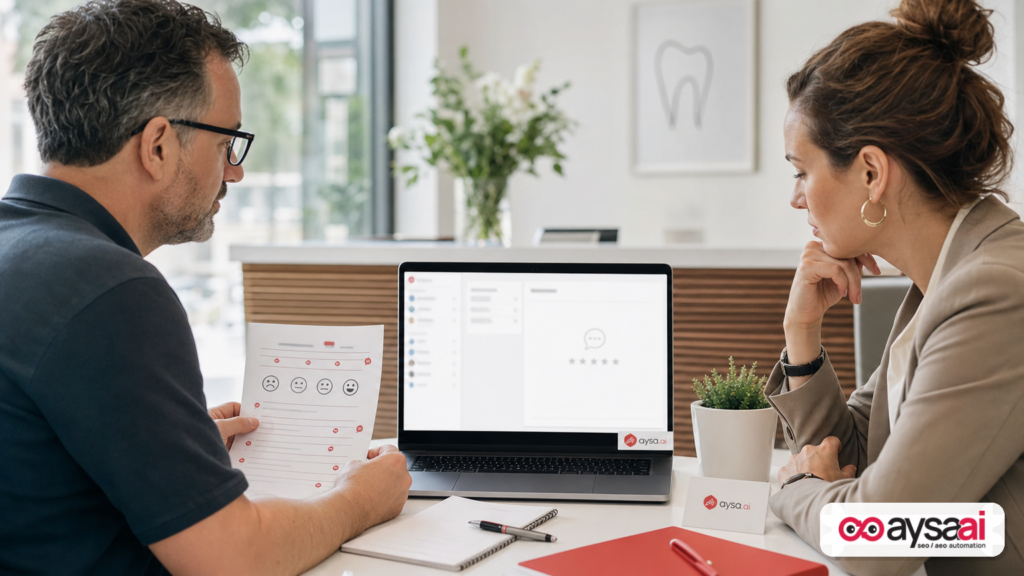
Local search is built on trust signals. For most small and mid-sized businesses, the biggest trust signal is still the same: Google reviews. So when your Google Business Profile (GBP) dashboard suddenly says “You have no reviews yet”—even though your public listing still shows hundreds of reviews—it’s not a minor annoyance. It’s a moment that can trigger panic, bad decisions, and broken reporting.
Search Engine Journal recently reported that some GBP owners are seeing an empty review dashboard while the public review count remains visible on the live listing, suggesting a dashboard-side display issue rather than a true review wipeout. Google has not publicly confirmed a root cause as of the report. Source: Search Engine Journal.
I’m writing this from the perspective of a business operator (and builder of AYSA.ai): incidents like this aren’t just “Local SEO news.” They are a reminder that platform dependency is operational risk. The fix isn’t only knowing what button to click today. The fix is building a review + local visibility system that keeps working when dashboards lie, APIs lag, or moderation systems misfire.
Concise summary
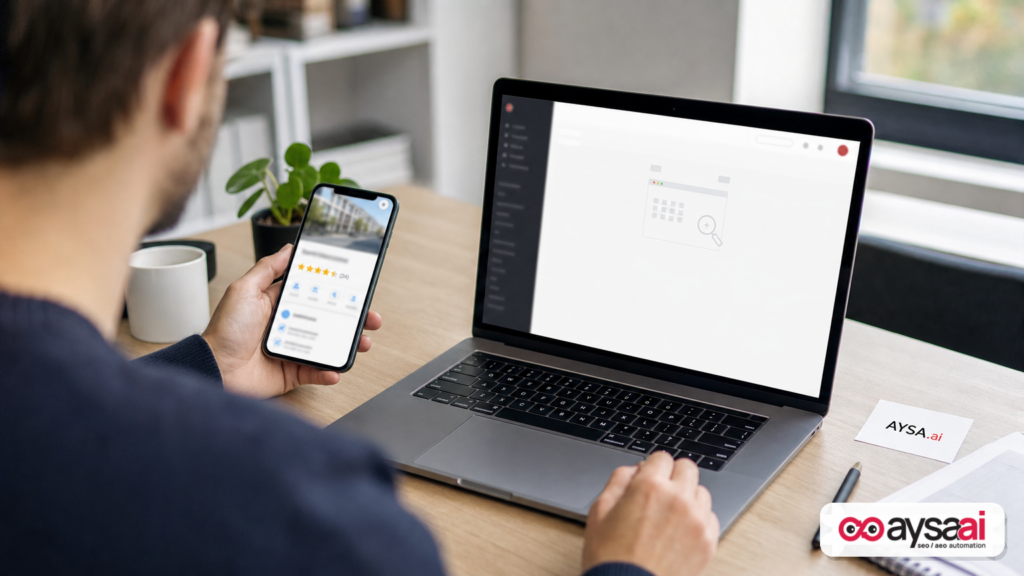
- Some GBP dashboards show “no reviews yet” even while the public listing still displays the review count.
- This can be a display/sync issue in the management interface rather than reviews being removed from Google.
- Don’t guess. Use a repeatable diagnostic process to confirm what’s happening, document evidence, and decide whether to escalate.
- Even if your public reviews are intact, dashboard issues can disrupt operations, reporting, customer response workflows, and reputation management.
- Long-term resilience comes from Monitoring + governance + Approved Execution—not heroic one-off fixes.
Key takeaways (for SMEs and agencies)

- Check the live listing first: If reviews show publicly, you’re likely dealing with a dashboard display bug.
- Separate “can’t see reviews” from “reviews removed”: Your response plan is different for each.
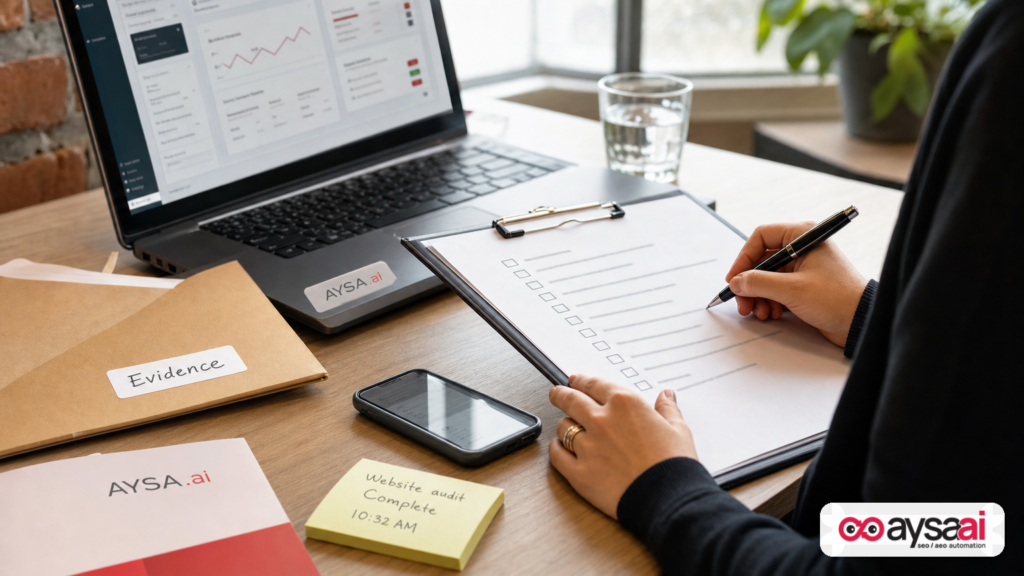
- Document before you act: Record dates/times, what’s visible publicly, what’s missing in the dashboard, and which profiles are affected.
- Keep generating reviews the right way: Don’t pause your review program because the dashboard looks broken.
- Build redundancy: Your brand shouldn’t rely on one screen in one platform to measure reputation performance.
Table of contents
- What’s happening: “No reviews yet” in the dashboard while the public listing still shows reviews
- The bigger context: review volatility, moderation, and product churn
- Why it matters (even if it’s “just a display bug”)
- What likely changed: dashboards, data pipelines, and synchronization
- The diagnostic playbook: How to tell a dashboard glitch from a true review loss
- A concrete SME scenario: the clinic that thought it lost 900 reviews
- Operational risks you might not notice until it hurts
- Build a review strategy that survives glitches (and AI summaries)
- What agencies should change: from “local SEO tasks” to incident-ready systems
- What to monitor weekly (and what to automate)
- Where AYSA fits: monitoring + approved execution for local search resilience
- What to do next (action list)
- Sources and further reading
What’s happening: “No reviews yet” in the dashboard while the public listing still shows reviews
The reported symptom is specific:
- Your Google Business Profile dashboard (the management interface) shows messaging like “You have no reviews yet”.
- Yet your public-facing listing still shows the review count and rating in Google Search / Maps.
According to the Search Engine Journal report, complaint threads appeared in the Google Business Profile Community around July 9, with examples where the listing displayed hundreds of reviews publicly while the review reply panel in the dashboard showed none. Google had not confirmed the cause at the time of reporting. SEJ coverage.
This matters because most businesses don’t log into GBP “just to look around.” They log in to:
- Reply to new reviews
- Investigate a negative review
- Track reputation trends month-over-month
- Report marketing outcomes to leadership
If that panel goes blank, the tool many teams rely on for workflow becomes unreliable—even if the customer-facing truth remains intact.
The bigger context: review volatility, moderation, and product churn
To understand why this kind of incident keeps happening, we need to stop treating it as isolated weirdness and start treating it as the natural outcome of three forces:
1) Google’s scale forces automation (and automation creates edge cases)
Google reviews operate at massive scale. At that scale, moderation and spam detection must be automated. Automated systems are good—until they’re wrong. And when they’re wrong, businesses can’t always get quick human support.
2) Product surfaces multiply (Search, Maps, mobile, dashboard, APIs)
Even when Google stores one canonical dataset, it’s rendered across multiple surfaces:
- Public listing in Search
- Public listing in Maps
- Owner-managed dashboard views
- Notifications and emails
- Potential third-party tool integrations (where applicable)
When you have multiple surfaces, you create multiple opportunities for caching, delays, UI regressions, and partial outages.
3) Trust signals are under pressure (spam, fake reviews, and enforcement)
Reviews are valuable because they influence decisions. That makes them a target for manipulation. The enforcement pressure is constant, and that means changes to detection systems are constant.
The SEJ report also notes this dashboard issue is the second review-related problem seen in about a week, following a separate issue where review counts disappeared from live listings and some profiles couldn’t accept new reviews—an earlier issue Google reportedly acknowledged. That detail matters because it suggests volatility across the review ecosystem, not just a one-off UI hiccup. SEJ.
Why it matters (even if it’s “just a display bug”)
If your public reviews are still visible, it’s tempting to shrug and wait. But “wait” is not a strategy when your operations depend on the tool being accurate. Here’s what’s at risk:
Risk 1: You lose the ability to respond fast (and responses matter)
Most businesses have a practical reputation SOP:
- Reply to negative reviews within 24–72 hours
- Thank positive reviewers
- Escalate certain reviews to a manager or legal (rare, but real)
If the dashboard claims there are no reviews, teams can miss new negatives—especially if they rely on the dashboard rather than notifications or the live listing.
Risk 2: Internal reporting breaks
Agencies and in-house marketers build monthly decks that include:
- Review count growth
- Rating changes
- Sentiment themes
When the dashboard panel is empty, your reporting process becomes a scramble. Worse, stakeholders might assume performance collapsed.
Risk 3: You make the wrong fix
When teams panic, they do dangerous things:
- They “clean up” categories and attributes impulsively
- They re-verify unnecessarily
- They switch primary categories without strategy
- They hand admin access to too many people “to get help”
Those are the kinds of changes that can trigger real problems—like suspensions or data inconsistencies—depending on your situation. (I’m not claiming this specific bug causes suspensions; I’m saying panic changes create risk.)
Risk 4: Your review generation program stalls
Some teams pause review requests because “something is wrong with Google.” That’s a mistake. If reviews are still public, keep your ethical review program running. If reviews truly are blocked (a different incident), you need an alternate plan—but you only get there by verifying reality.
What likely changed: dashboards, data pipelines, and synchronization
Google has not confirmed a cause in the SEJ report, so we should be careful not to invent one. But we can still reason about the most plausible classes of failure when the public listing and the management panel disagree.
Possibility A: A UI rendering bug in the dashboard
The simplest explanation is a front-end issue: the dashboard fails to render review data even though the backend is intact. This could be triggered by an update, a feature flag, or a partial outage.
Possibility B: A permissions or session state issue
Sometimes an interface shows “nothing” when it’s actually failing to authenticate an underlying call, or when the user’s permissions don’t match what the UI expects. If only some managers or some profiles are affected, permissions and role states become suspects.
Possibility C: Data sync delay between systems
Google’s systems often operate with caches and propagation delays. It’s plausible that public rendering is pulling from one cache while the dashboard panel pulls from another service that’s delayed or returning empty results.
Possibility D: A localized or account-based issue
When issues affect “some profiles under management” (as described by SEJ), you should think in terms of:
- Account type differences
- Region-specific rollout differences
- Edge cases around multi-location management
Notice what I’m not doing: claiming a specific internal Google component failed. We can’t verify that from the provided source context, and guessing doesn’t help your business. What helps is the next section: a diagnostic playbook that works regardless of the root cause.
The diagnostic playbook: How to tell a dashboard glitch from a true review loss
When something looks wrong in GBP, the goal is to answer three questions quickly:
- Is this public-facing or only in the dashboard?
- Is this isolated to one location or systemic across many?
- Is this a temporary rendering issue, or are reviews actually removed/blocked?
Step 1: Check the live listing in Search and Maps
Do this before changing anything.
- Search your business name in an incognito/private window.
- Check Google Maps separately if possible.
- Record what you see: rating, review count, and whether the review content is accessible.
If the public listing still shows the reviews, you’re likely dealing with a management interface issue (the situation reported by SEJ). SEJ.
Step 2: Compare multiple access paths
Try to access reviews via:
- Different browser
- Different user on the same GBP (if you have a trusted teammate)
- Mobile vs desktop
If one user sees reviews and another doesn’t, you may have a role/permission or session issue. If no one sees reviews in the dashboard but the public listing is fine, it’s likely a platform-side dashboard bug.
Step 3: Determine if new reviews are being accepted
This is critical because it changes your near-term plan.
- Ask a trusted person (not staff from your location) to attempt leaving a review ethically, only if appropriate and allowed by your business policy.
- Do not incentivize reviews or create fake ones—ever.
In the earlier incident mentioned by SEJ (around July 3), some profiles were reportedly blocked from accepting new reviews. That’s a different problem than the dashboard showing empty. Distinguish them. SEJ.
Step 4: Document evidence like an incident report
Create a short incident doc (even if it’s just a shared note):
- Date/time first observed
- Affected locations (list all)
- Public listing status (reviews visible yes/no)
- Dashboard status (empty yes/no)
- Any other unusual changes (verification prompts, category edits, etc.)
This is what prevents random walk troubleshooting.
Step 5: Decide: wait vs escalate
Use a simple decision tree:
- Public reviews visible + dashboard empty → likely display/sync issue; monitor closely; avoid risky changes; consider posting in the GBP community thread if available.
- Public review count dropped or content missing → document what changed; check for policy/spam flags; contact support when appropriate.
- Cannot accept new reviews → treat as a reputational incident; communicate internally; consider alternate review collection channels temporarily (while staying compliant).
The SEJ article explicitly frames the difference between a display bug (review exists but doesn’t show) and removal (review taken down, often by spam systems). That distinction should be built into your SOP. SEJ.
A concrete SME scenario: the clinic that thought it lost 900 reviews
Let’s make this real with a scenario that mirrors what was described in the SEJ report (without claiming it happened to a specific real business).
Business: A multi-provider dental clinic in a competitive metro area.
Situation: The office manager logs into GBP on Monday morning to reply to weekend reviews. The dashboard says: “You have no reviews yet.” Panic starts immediately:
- Front desk staff assume the clinic’s reputation has been “wiped.”
- The owner worries the clinic will lose new patient calls this week.
- The marketing agency fears the client will churn.
What the team does (the right way):
- They check the live listing in Search and Maps. The clinic still shows a high review count and rating publicly.
- They confirm review content is still readable publicly.
- They test from another admin login and see the same dashboard emptiness.
- They document time, affected location(s), and screenshots (public vs dashboard).
- They keep their review request workflow running, because customers can still see the social proof.
Outcome: The issue resolves later (or Google corrects the interface). The clinic avoided risky changes and avoided internal chaos by following a process.
The lesson isn’t “Google will fix it.” The lesson is: when a platform becomes part of your revenue system, you need incident response—even for “just UI bugs.”
Operational risks you might not notice until it hurts
Dashboard bugs are annoying. But the bigger risk is what they reveal about how fragile many local marketing operations are.
1) Single point of truth thinking
If one screen in GBP is your only source of review truth, you have a single point of failure. You don’t need a complicated enterprise stack to fix this—you need redundancy and disciplined monitoring.
2) Review response workflows that depend on one UI
When dashboards fail, teams lose the ability to do basic reputation hygiene. The fix is to define multiple ways to detect new reviews (notifications, periodic live checks, third-party tools if you use them) and to log response SLAs.
3) Poor stakeholder communication during incidents
The fastest way to lose trust is to tell leadership “we lost all our reviews” and then tell them two hours later “actually it’s fine.” Your team needs a communications protocol:
- What we know
- What we don’t know
- What we’re checking next
- When we’ll update
4) Access governance problems
Incidents often expose messy permissions:
- Former employees still have access
- Too many owners/managers on profiles
- No clear escalation owner
Even if governance wasn’t the cause here, it’s often the cause of other GBP pain. Make it part of your quarterly checklist.
Build a review strategy that survives glitches (and AI summaries)
Here’s my opinion: most businesses treat reviews like a vanity metric until something breaks. Then they realize reviews are part of their distribution, not just reputation.
In 2026, your reviews increasingly influence not only human decisions, but also machine summaries—how platforms interpret your business and compare you to competitors. Even if we limit ourselves to what’s in the supplied source context, we can still say this safely: reviews affect how people choose “you vs the next listing.” SEJ emphasizes reviews as a deciding factor for customers. SEJ.
Principle 1: Don’t rely on one platform for trust
Google reviews are critical, but resilience means diversification:
- On-site testimonials (with permission)
- Industry directory reviews where relevant
- Case studies and before/after content (where compliant)
- Third-party proof for higher-consideration services
This is not about “doing everything.” It’s about not being held hostage by one interface glitch.
Principle 2: Make review generation a process, not a campaign
Businesses that “run a review campaign” twice a year suffer when something interrupts it. Businesses that embed review requests into operations can absorb platform issues without losing momentum.
Examples (SME-friendly):
- Clinic: After appointment checkout, send a follow-up email/SMS that asks for feedback and links to the review profile.
- Home services: After job completion, the tech triggers a follow-up message from the CRM.
- Hotel: Post-stay survey routes happy guests to a public review link; unhappy guests route to support.
(Keep everything compliant with platform policies and applicable laws; don’t gate reviews in a way that violates guidelines. If you’re unsure, consult official Google policy documentation—this article won’t invent policy details that aren’t in the supplied context.)
Principle 3: Treat review response as brand operations
When dashboards go blank, response workflows can collapse. The fix is simple: define rules that don’t depend on one UI.
- Who responds?
- Within what timeframe?
- Which issues escalate?
- Where is the response tone guide?
Principle 4: Convert review themes into website content
This is where most local businesses leave money on the table.
Your reviews are a goldmine of:
- Service language customers actually use
- Benefits they care about
- Objections and fears
- Competitive differentiators
Turn that into:
- Better location pages
- Service FAQs
- “What to expect” pages
- Case studies
This is both classic SEO and future-facing AEO/GEO: when your site answers the questions your customers keep repeating in reviews, you improve your chances of being surfaced and cited across search experiences. (For the broader AI Search angle, see AYSA’s perspective on AI search visibility.)
What agencies should change: from “local SEO tasks” to incident-ready systems
If you run an agency, incidents like this are not just annoying—they’re a profitability test.
The agency problem: clients blame outcomes, not causes
Clients don’t care whether a platform bug is “your fault.” They care whether you:
- Noticed quickly
- Explained clearly
- Protected revenue
- Had a plan
The agency solution: build a Local Incident Response SOP
Your SOP should include:
- Verification steps (live listing vs dashboard)
- Evidence capture checklist
- Escalation paths (community threads, support tickets where applicable)
- Client comms templates (short, factual updates)
- Rules on what changes are allowed during incidents (avoid risky edits)
Bonus: shift reporting away from single-surface metrics
If your reputation reporting depends only on what one GBP screen shows, your reports will break. Agencies should incorporate multiple signals, such as:
- Live listing spot checks
- Call and lead volume correlation
- Website conversion trends
- Local landing page performance
That’s not “more work.” That’s protecting retainers by reducing surprise.
What to monitor weekly (and what to automate)
Most SMB teams are too busy to “monitor everything.” The goal is a small set of checks that catch problems early.
Weekly checks (15 minutes per location)
- Live listing: rating and review count visible?
- New reviews: any negatives needing response?
- Key business info: name, address, phone, hours correct?
- Primary category: unchanged?
Monthly checks (deeper)
- Review themes: top compliments and complaints
- Photo freshness
- Competitor comparison: are they accelerating reviews?
What to automate (carefully)
Automation should do two things:
- Alerting: tell you when something deviates (like “reviews suddenly show as zero”).
- Preparation: draft the recommended fixes, but don’t blindly push changes.
This is where execution systems matter: the best ops model is monitor → prepare → ask for approval → execute. That’s exactly how AYSA is designed to work for SEO and AI search readiness: it monitors, prepares changes, requests approval, and then executes only the accepted updates.
If you want to see what that looks like in practice, start here:
Where AYSA fits: monitoring + approved execution for local search resilience
AYSA isn’t a replacement for Google Business Profile. GBP is the platform. But GBP is not a system. It’s an interface.
What businesses and agencies actually need is a system around the platform—because the platform will always have bugs, delays, and enforcement changes.
1) Monitoring that detects anomalies early
When dashboards say “no reviews yet,” the first failure is usually time: teams notice too late. Monitoring shortens the time-to-awareness.
Explore: AYSA Monitoring
2) Preparation of website changes that reduce dependency on GBP
When review dashboards become unreliable, you should strengthen the assets you control:
- Location pages that clearly communicate trust, services, and policies
- FAQ content that answers the same questions customers repeat in reviews
- Structured improvements that help search engines understand entities and locations (without claiming any specific schema implementation here)
AYSA helps you operationalize that: it proposes improvements, then asks for approval before changes go live.
3) Approved execution (no “wild west” edits during incidents)
When something looks wrong in GBP, random changes are how you turn a display bug into a real business problem.
Approved execution is a governance layer: proposed edits are reviewed and accepted before execution—reducing the risk of accidental damage while still moving fast.
4) AI search visibility isn’t optional anymore
Whether the discovery happens in classic search results, maps, or AI-mediated answers, your local presence needs consistent, accurate inputs and strong on-site content.
Learn more: AI Search Visibility
5) Fit for SMEs and agencies
SMEs need simplicity and reliability. Agencies need repeatable operations and margin protection. AYSA is designed for both: monitoring plus controlled execution.
If you’re evaluating whether it fits your workflow, pricing and packaging are here: AYSA Pricing
For related playbooks and editorial guidance, browse: AYSA Blog
What to do next (action list)
- Verify reality: Check your live listing in Search and Maps. Confirm whether reviews are visible publicly.
- Cross-check access: Try another browser/user to rule out a local session or permission issue.
- Document evidence: Capture the mismatch (public vs dashboard) with timestamps.
- Don’t make risky changes: Avoid unnecessary edits to business name/category/verification while you’re diagnosing.
- Keep your review process running: If the public listing still shows reviews, don’t pause ethical review requests.
- Implement weekly monitoring: Add a lightweight checklist so you catch anomalies early.
- Strengthen assets you control: Improve location/service pages and FAQ content so trust isn’t dependent on one UI panel.
- Adopt an execution system: Use monitoring and approved execution so you can move fast without breaking things.
Sources and further reading
- Search Engine Journal: Google Business Profiles Showing Empty Review Dashboards
- Search Engine Journal: Latest news (context on ongoing platform issues)
- Search Engine Journal: Local SEO coverage
AYSA resources:
Note: Google had not confirmed the root cause of the dashboard issue in the referenced report at the time of writing. Where causality cannot be verified, this article uses cautious analysis and focuses on resilient operational steps rather than speculation.
Continue the AI search topic inside AYSA.
Use these pages to connect the article with AI SEO tools, AI visibility monitoring, AI Overviews and approved website execution.
Turn this topic into a website action plan.
Use these AYSA hubs to move from reading to technical fixes, AI visibility monitoring, research, glossary context and approval-first SEO execution.

