Google Images Turns 25 and Stops Being a Blank Box: What the New Gallery Home Page Means for SEO, Discovery, and SMEs
Google Images is replacing the classic clean search box with a personalized, browseable gallery. That UI change isn’t cosmetic—it shifts user behavior from “search” to “discovery,” and it changes how brands should think about image SEO, intent, measurement, and content operations. Here’s what changed, why it matters, and a practical action plan (with AYSA-approved execution).
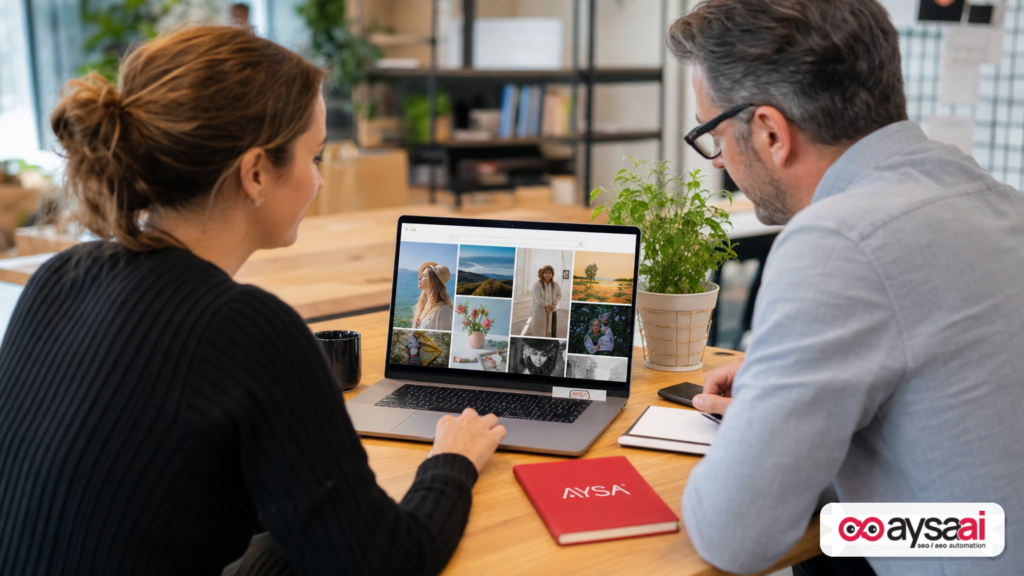
Google just gave Google Images its biggest home page redesign in decades: the old, clean “blank box” is being replaced by a personalized, browseable gallery experience. If you run a business website, that change is easy to dismiss as “just UI.” It isn’t.
When the starting point changes, behavior changes. And when behavior changes, what you need to optimize changes too—your images, your pages, your product presentation, your measurement, and your internal workflow for shipping fixes.
In this editorial, I’ll break down what changed, why it matters for SMEs and agencies, how it likely shifts discovery and intent, what can go wrong, and a practical action plan you can implement. I’ll also explain where AYSA fits: we monitor what’s happening, prepare the right changes, ask for your approval, then execute what you accept—so this doesn’t become yet another “we should optimize images” project that never ships.
Concise summary
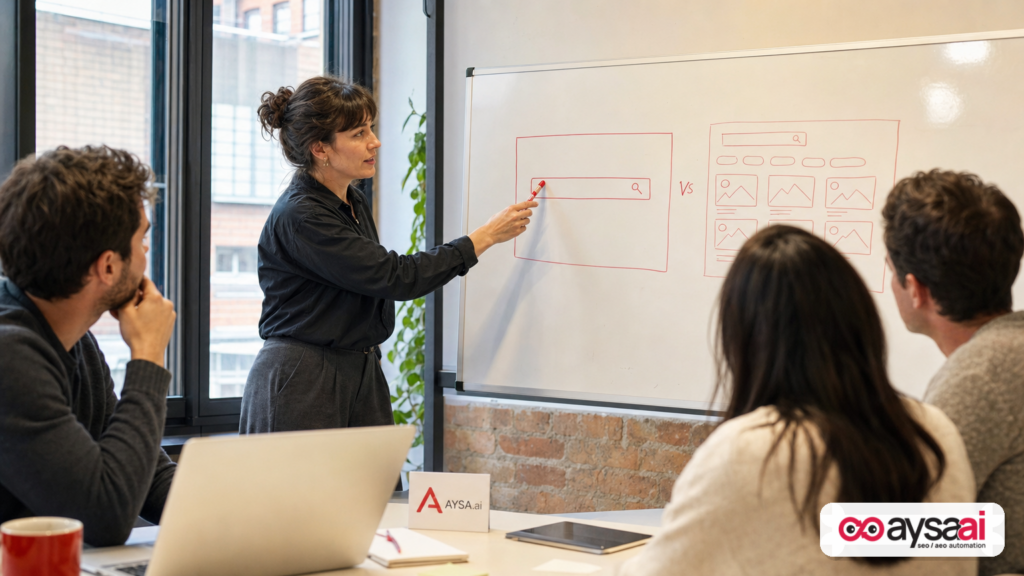
- What changed: Google Images is moving from a minimalist search box to a personalized home page that starts with a dynamic gallery users can browse, with search still available at the top.
- Why it matters: A gallery-first UI encourages “discovery-mode” browsing, not just query-based lookup—shifting how users encounter brands and how intent develops.
- What businesses should do: Treat images as entry points, not decorations. Optimize image assets and the pages behind them, strengthen context (entities, semantics), and build measurement that connects image discovery to conversion.
- How AYSA helps: Use an execution system—monitor → prepare → approve → execute—so technical and content changes actually get deployed, not trapped in backlog.
Table of contents
- What changed in Google Images (and what didn’t)
- Why Google is doing this now (and why the 25-year milestone matters)
- Why this matters: Image search is moving from “lookup” to “inspiration”
- How discovery-mode search changes the SEO game
- Who wins, who loses: the business impact by industry
- What to optimize now: the modern image SEO checklist (beyond alt text)
- The hidden lever: the page behind the image
- The new measurement problem: when “browse” doesn’t look like “search”
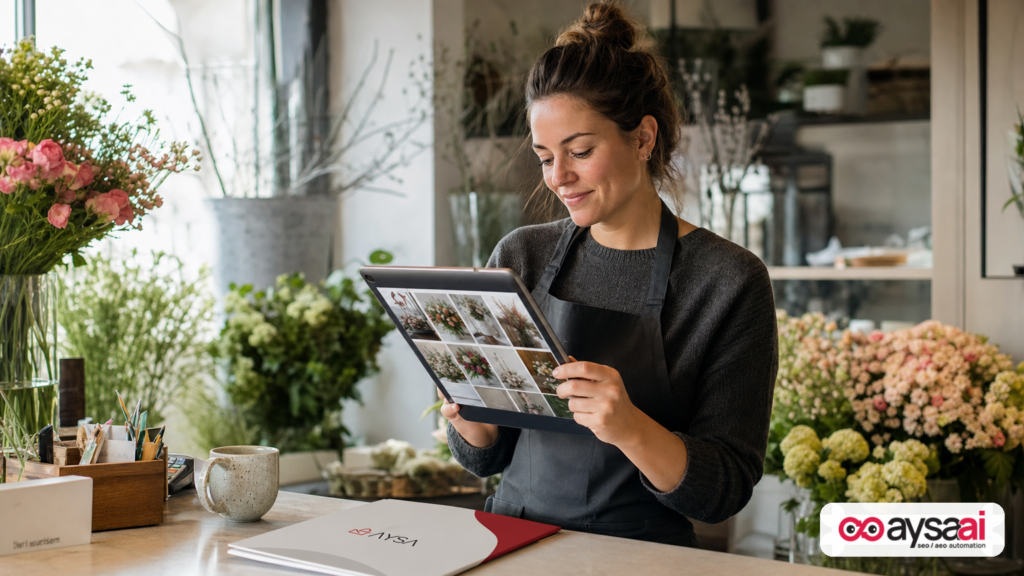
- Concrete SME scenario: a florist, a gallery-first world, and a revenue outcome
- What agencies should rethink: reporting, creative ops, and accountability
- AYSA’s take: this is where “approved execution” beats dashboards
- What to do next: a 30–60–90 day action plan
- Sources and further reading
What changed in Google Images (and what didn’t)
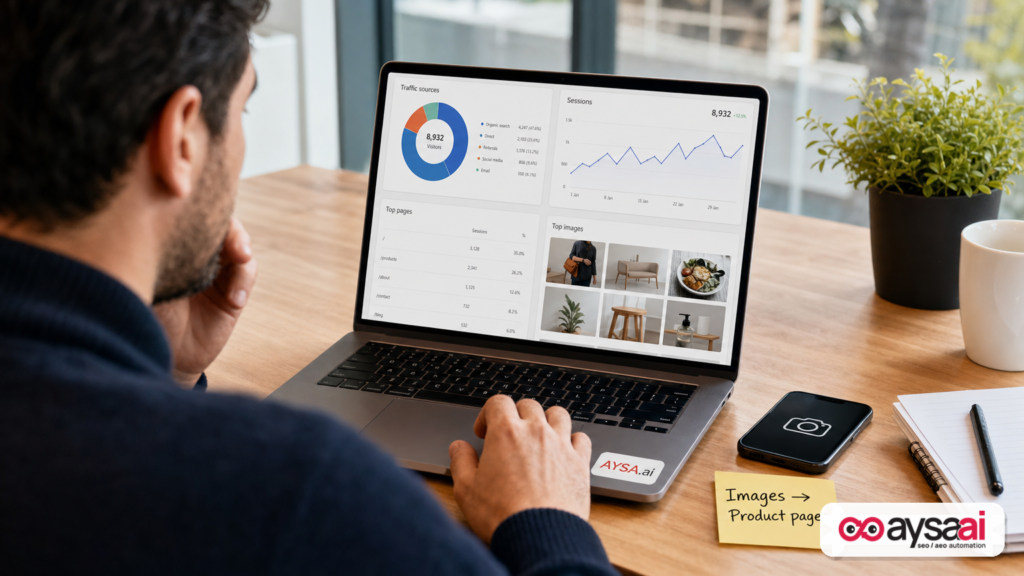
The reported change is straightforward: Google Images’ home page at images.google.com is being redesigned from the classic “clean search box” into a browseable gallery of image collections—updated in real time and tailored to a signed-in user’s interests. Search is still available, but the default starting point is no longer a blank canvas.
This update was covered by Search Engine Land, citing Google’s announcement and explaining how the new home page mixes browsing with traditional search options (text, voice, search by image) and the ability to save to collections.
Two points matter here:
- Google didn’t remove search. The search box remains, and that’s important. But it’s no longer the only “call to action.”
- Google changed the default behavior. That’s the real story. Defaults shape outcomes. A gallery invites scrolling, tapping, saving, comparing—behaviors that often happen before a user can name what they want.
Google also noted availability details: this experience is rolling out on desktop in the U.S. in English and requires being signed in to try it (per the report).
Why Google is doing this now (and why the 25-year milestone matters)
Google Images turning 25 is a convenient narrative hook, but the timing also makes strategic sense.
Over the last few years, the user expectation for “finding things” has shifted:
- People browse marketplaces and social feeds to discover products and ideas.
- They rely on visuals to narrow choices faster than text.
- They often start with a vague intent (“modern living room vibe”) and only later convert it into explicit keywords (“cream boucle sectional 90 inches”).
A clean search box is great when you already know what you’re looking for. A gallery is better when you don’t. And increasingly, users show up not knowing.
From Google’s perspective, a gallery home page can also:
- Increase engagement time (more scrolling and interaction than a simple query).
- Collect stronger preference signals via saved collections and repeated browsing.
- Reduce friction for users who think in pictures, not keywords.
For businesses, this translates to a blunt reality: if your images aren’t good enough to win a spot in a visually competitive discovery feed, you may not even get the chance to compete on “best answer” later.
Why this matters: Image search is moving from “lookup” to “inspiration”
Historically, many businesses treated Google Images as:
- a place where people find your logo,
- a place journalists grab images (sometimes incorrectly), or
- a low-intent traffic source that “doesn’t convert.”
The gallery-first home page signals that Google Images wants to behave more like a discovery engine. Not necessarily a social network—but a place where users start with curiosity, develop taste, save options, and then take action elsewhere.
In business terms, that means:
- Top-of-funnel expands inside Google Images.
- Brand exposure becomes more visual and earlier in the journey.
- Conversion paths get longer (browse → save → compare → visit site → return → buy).
And that changes what “good SEO” looks like.
How discovery-mode search changes the SEO game
Discovery-mode is different from query-mode in a few practical ways that matter for your website.
1) Users don’t start with a keyword—they start with a vibe
If a user types “red running shoes size 10,” you can match the query with a product page. If a user starts by browsing “trail running aesthetic” images, the “query” is fuzzy. The platform needs to infer intent.
So what does Google use to infer intent in an image environment?
- Image-level signals (filename, alt text, surrounding text context).
- Page-level signals (topic, entities, Structured data, relevance).
- User-level signals (history, collections, interests—especially when signed in).
You can’t control user history. But you can control the image and page signals you publish.
2) Your competition is not just “similar pages”—it’s the best-looking option
In web search, you compete on relevance and authority signals. In image discovery, you compete on relevance, authority, and visual appeal. If your product imagery looks dated, inconsistent, poorly lit, or overly compressed, you’re effectively ranking lower before SEO even begins.
3) Intent develops in layers—your content must support that progression
A gallery-first experience encourages users to:
- browse broadly,
- save options,
- refine preferences,
- then search more specifically.
That means your site should support both:
- inspiration content (guides, collections, lookbooks, galleries, examples), and
- transaction pages (products, services, booking pages) with strong visuals.
If you only have “buy now” pages, you might be missing the stage where users decide what they want to buy.
Who wins, who loses: the business impact by industry
Not every industry gets the same upside from a gallery-first Google Images. Here’s a practical lens for SMEs and agencies.
Industries likely to benefit most
- Ecommerce with visually differentiated products: home decor, fashion, beauty, jewelry, outdoor gear, food, gifts.
- Local services that sell outcomes: salons, dentists (cosmetic), med spas, home remodeling, landscaping, photographers.
- Hospitality: hotels, venues, short-term rentals, restaurants—where visuals often decide Clicks.
- Publishers with strong original imagery: recipes, DIY, travel, design inspiration.
Industries that may see less direct impact (but still shouldn’t ignore it)
- B2B SaaS with abstract products: less “image-first,” but still relevant for brand assets, diagrams, and use-case visuals.
- Professional services: legal, accounting—images matter more for trust and brand than immediate discovery.
Who might lose ground
- Sites relying on generic stock photos that don’t differentiate.
- Sites with thin image context (images uploaded without descriptive content on the page).
- Brands with inconsistent creative ops (no standards for photography, naming, alt text, and page templates).
The key isn’t whether you’re “a visual industry.” The key is whether you’re willing to treat visual assets as a first-class growth channel—and run it like one.
What to optimize now: the modern image SEO checklist (beyond alt text)
Most advice about image SEO is stuck at “add alt text.” That’s table stakes. A gallery-first Images experience raises the bar. Here’s the checklist I’d use for an SME or mid-market site.
1) Image assets: quality, consistency, and intent
- Original imagery wins. If your competitors all use the same manufacturer photos, the brand with distinct angles and context shots will stand out.
- Consistency builds recognition. Similar lighting, framing, and background across a category improves perceived trust.
- Match the intent stage. “Inspiration” images (lifestyle, before/after, styled) and “decision” images (close-ups, dimensions, variants) both matter.
2) Technical delivery: speed and accessibility are part of discovery
Even if an image appears in Google Images, the click and the experience after the click still matter. Slow pages and broken images are silent conversion killers.
- Use modern formats where appropriate (implementation depends on your stack).
- Ensure responsive images and correct sizing.
- Prevent accidental blocking (robots, Noindex on media pages, etc.).
- Don’t let CDN changes break URLs and wipe history.
Note: I’m intentionally not listing specific performance numbers here because they vary by site and we shouldn’t invent benchmarks. The point is operational: image SEO is part creative, part engineering, and both must ship.
3) Metadata: filenames, alt text, and captions that are actually useful
- File names: descriptive, human-readable, aligned to what’s in the image.
- Alt text: literal description first (accessibility), then clarifying context (model, material, location) when appropriate.
- Captions: when visible, they can reinforce meaning for users and crawlers.
One caution: templated alt text at scale can become low-quality fast. “Product image of {product name}” repeated thousands of times isn’t adding meaning—and may not differentiate you in a gallery environment.
4) Structured data: stop treating it as “optional”
Google Images doesn’t live in isolation; it’s part of Google Search. Structured data helps Google understand what a page and its images represent.
In the supplied research context, Search Engine Land also highlights schema and Entity Coverage as a broader 2026 SEO theme (for example: Schema for AI search: How to identify and prioritize entity gaps). You don’t need to treat Images as separate from that direction. If Google is emphasizing entities and clarity across search, image discovery will follow the same logic: strong context wins.
If you’re unsure what to mark up, start with what is unquestionably true on the page (product/service, organization, location, primary image) and keep it accurate. If you can’t verify a markup strategy for your scenario, don’t guess—get a technical review.
5) Internal linking and “image paths”
An image click is often a “side door” into your site. Don’t strand that visitor.
- Ensure the landing page has clear next steps (variants, related items, booking, quote, add-to-cart).
- Build “browse paths” (collections, category hubs, inspiration guides) so people can keep exploring.
- Use internal links that make sense to a human who came for a picture, not a Keyword.
The hidden lever: the page behind the image
Here’s the part most teams miss: image SEO is often page SEO in disguise.
Even if your image is beautiful, Google still needs to answer questions like:
- What is this image depicting?
- Who created it (brand/entity)?
- What is the page about?
- Is the page the best destination for someone interested in this visual?
So the “page behind the image” should be strong in three areas:
Clarity (humans + AI systems)
The same direction appears across SEO coverage in 2026: clarity and semantics matter. See Search Engine Land’s piece The new SEO rules for bloggers in 2026: Why clarity matters in AI search. Whether the user arrives from AI-driven search experiences or image discovery, vague pages lose.
Authority and trust signals
If you’re publishing visuals tied to your brand (products you sell, services you provide, work you completed), reinforce trust with:
- clear business identity and contact details,
- policies (returns, shipping, licensing),
- real photos of real work (with permission),
- credible reviews (accurate and compliant).
On reviews: the research context includes a reminder from Search Engine Land about Google’s stance on incentivized or fake reviews in structured data (source). If you’re using review markup, keep it clean and disclosed—because trust is a long game, and schema abuse is a short game.
Topical coverage (semantics and entities)
If you’re a local business, topical authority and semantics are not abstract ideas—they determine whether Google understands you as “a clinic that does X in Y city” or “a site with some images.” Search Engine Land’s How semantics and topical authority improve local SEO is a useful lead for building that mental model.
The new measurement problem: when “browse” doesn’t look like “search”
SMEs and agencies will run into a familiar issue: leadership asks, “Did this change help us?” and the data is messy.
When the starting behavior becomes browsing, Attribution gets harder because:
- Users may not click immediately.
- They may save to collections and come back later.
- They may search branded later and convert through a different channel.
What you can track without pretending you have perfect visibility
Without inventing metrics, here’s what I’d track consistently:
- Google Search Console performance for image traffic (where available in your reports) and changes in landing pages receiving image-driven impressions/clicks.
- Landing page engagement for pages that tend to be image entry points (time on page, scroll depth, product interactions).
- Assisted conversions and branded search lift (directionally), acknowledging that this is correlation, not perfect causation.
A reporting mindset shift: “Image discovery” is not “image traffic”
If you judge Google Images by last-click conversions only, you’ll underinvest. If you treat it as a discovery layer that shapes preference and brand recall, you’ll invest in the assets and pages that make the rest of your funnel work better.
Concrete SME scenario: a florist, a gallery-first world, and a revenue outcome
Let’s make this real.
Imagine a local florist in Austin. Historically, their Google Images presence was accidental: a few photos on blog posts, some images on category pages, and some user-generated pictures floating around the web.
In a gallery-first Google Images home page:
- Users browse “summer wedding bouquet ideas,” “modern white bouquet,” or “garden-style centerpiece.”
- They save images that match their taste before they ever search “Austin florist wedding package.”
What should the florist do?
A practical plan (non-technical and technical)
- Produce a set of original, consistent photos for signature arrangements (close-up + in-room/lifestyle context).
- Publish “collection pages” like “White & Green Wedding Bouquets” or “Modern Centerpieces” that are genuinely helpful and easy to browse.
- Add meaningful alt text and filenames that describe the arrangement and style (not keyword stuffing).
- Make pages fast and mobile-friendly (because many clicks won’t come from desktop even if the rollout starts there).
- Ensure the next step is obvious: inquiry form, consultation booking, or a “request this style” CTA.
Even if Google Images doesn’t deliver instant direct conversions, it can deliver something equally valuable: being on the shortlist when a buyer finally chooses.
What agencies should rethink: reporting, creative ops, and accountability
If you’re an agency, this update is a stress test of your operating model.
1) Creative operations is now SEO operations
In a gallery-first world, you can’t separate “SEO” from “creative.” You need standards for:
- photo quality and consistency,
- image naming and metadata workflows,
- page templates that support image entry.
2) The execution gap will widen
Most SEO programs don’t fail because teams don’t know what to do. They fail because changes don’t ship. Images are especially prone to this:
- assets live in Dropbox or DAMs,
- web teams are busy,
- CMS workflows are manual,
- no one owns the “last mile.”
That’s why we built AYSA as an execution system, not a “recommendations dashboard.” More on that below.
3) You need to re-educate clients on what success looks like
If you keep selling “rankings” in an environment shifting toward discovery, you’ll struggle to prove value. Your reporting needs to include:
- visibility of image entry points (which pages are becoming doors),
- content coverage for inspiration stages,
- operational throughput (how many fixes shipped this month).
AYSA’s take: this is where “approved execution” beats dashboards
I’m going to be direct: most businesses don’t have an SEO problem. They have a deployment problem.
Google Images’ shift toward a personalized gallery increases the number of moving parts you need to manage:
- more images,
- more landing pages,
- more internal links and collections,
- more schema and entity clarity,
- more measurement nuance.
That’s exactly where AYSA fits.
AYSA is built for “monitor → prepare → approve → execute”
Instead of handing you a to-do list, AYSA runs as an execution loop:
- Monitor your visibility and signals over time (see AYSA Monitoring).
- Prepare recommended changes (technical and content operations) based on observed gaps.
- Ask for approval so you stay in control—especially important for brand voice, compliance, and dev constraints.
- Execute accepted changes on the site so improvements actually go live.
For a gallery-first Google Images world, that execution model can be applied to:
- identifying pages where images are under-described,
- fixing missing/weak alt text patterns (carefully, not spammy),
- preparing schema updates where appropriate,
- surfacing broken image URLs or template issues,
- building and maintaining “collection” content that supports discovery.
If you want to see how we think about visibility across AI-driven search and classic search surfaces, start here: AYSA AI Search Visibility. If you’re evaluating tooling, see AYSA AI SEO Tools. And if you’re comparing options, pricing is here.
Why “approved execution” matters specifically for images
Image changes can create real brand and legal risk:
- Wrong alt text can misrepresent products or medical outcomes.
- Wrong page context can create misleading claims.
- Swapping images can violate licensing or partner agreements.
That’s why the right model isn’t “AI changes your site automatically.” It’s “AI prepares the change, you approve, then it executes.”
If you want more operational playbooks like this, we publish them on the AYSA blog.
What to do next: a 30–60–90 day action plan
If you’re an SME, you don’t need a massive replatform to respond. You need a focused plan and a consistent shipping cadence.
Next 30 days: audit and prioritize
- Identify your “image entry pages”: pages that already get image-driven visibility or that should (products, galleries, case studies, locations).
- Spot obvious weaknesses: missing images, low-quality imagery, duplicated stock photos, no context around images.
- Fix the easiest technical failures: broken images, slow-loading pages, incorrect indexing rules.
Next 60 days: build discovery content that connects to revenue
- Create 3–8 “collection” pages aligned to real customer browsing behavior (styles, use cases, seasons, rooms, occasions).
- Upgrade top pages with better visuals: add variants, lifestyle shots, and trust signals.
- Improve internal linking so image visitors can continue browsing and convert.
Next 90 days: operationalize it
- Set image standards: naming, alt text guidelines, photography requirements, upload checklist.
- Establish a monthly refresh cycle: update collections with new images, retire outdated visuals, maintain relevance.
- Implement monitoring and execution so you keep pace with UI and algorithm shifts (this is where AYSA’s model is designed to help).
What to do next (quick checklist)
- List your top 20 pages where visuals influence buying decisions.
- Check whether each page has: strong original images, descriptive alt text, clear next steps, and fast delivery.
- Create at least 3 “browseable” collection pages that match how customers shop (not how you organize inventory).
- Set up a simple weekly review: which pages gained/lost visibility and whether image-led visitors engage.
- Adopt an execution workflow (monitor → prepare → approve → execute) so improvements go live consistently.
Sources and further reading
- Search Engine Land: Google Image Search drops clean search box and adds gallery of images
- Search Engine Land: How semantics and topical authority improve local SEO
- Search Engine Land: The new SEO rules for bloggers in 2026: Why clarity matters in AI search
- Search Engine Land: Schema for AI search: How to identify and prioritize entity gaps
- Search Engine Land: Google says don’t include fake or undisclosed incentivized reviews in review snippet structured data
AYSA related:
Continue the AI search topic inside AYSA.
Use these pages to connect the article with AI SEO tools, AI visibility monitoring, AI Overviews and approved website execution.
Turn this topic into a website action plan.
Use these AYSA hubs to move from reading to technical fixes, AI visibility monitoring, research, glossary context and approval-first SEO execution.